
Launcher
One installation.A changing set of modules.
Connect Psssst once. Then change modules and settings through one configuration while keeping a stable entry point on the website.
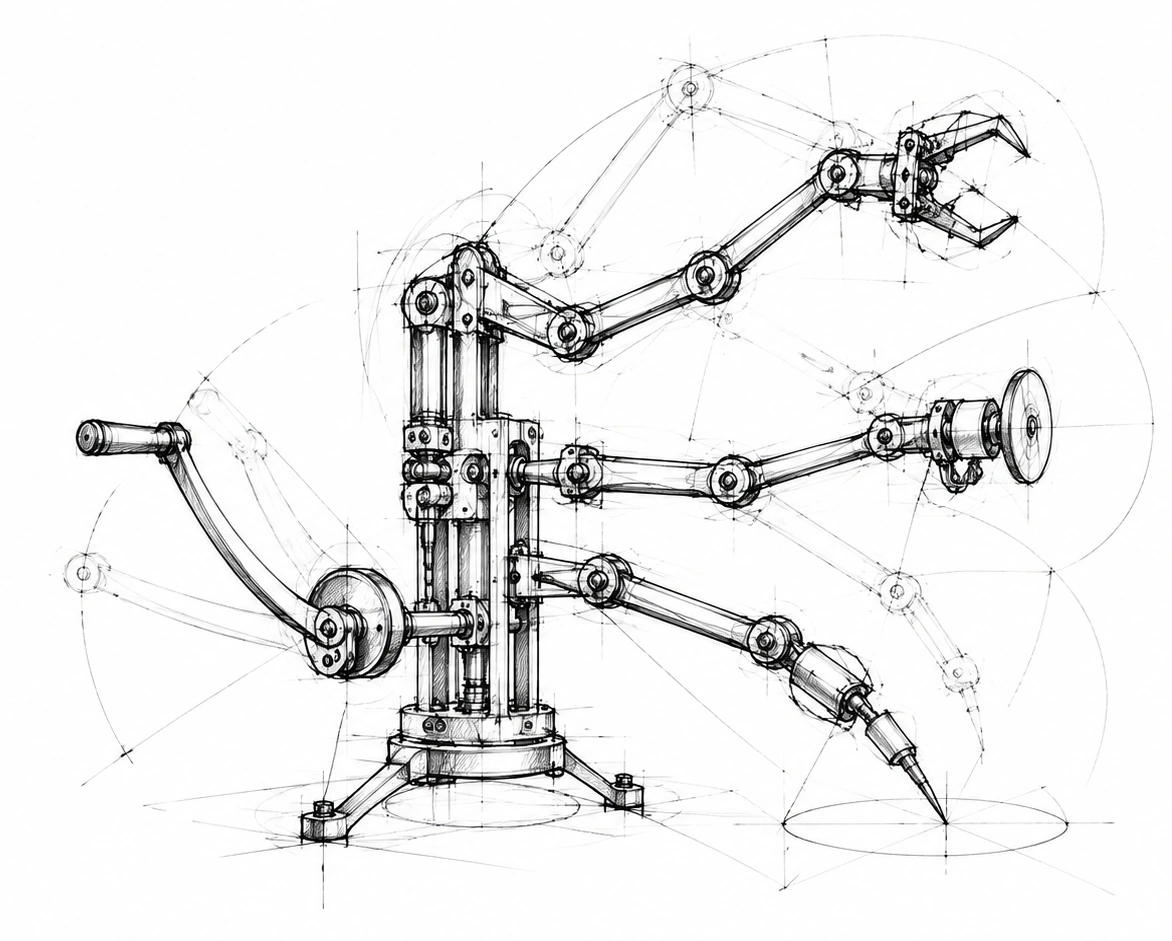
From task to outcome
The code stays.The possibilities evolve.
The launcher finds the site configuration and starts connected modules. What is enabled, the order it follows and the context it receives all belong to that configuration.
How it works
- Installation
- A lightweight asynchronous snippet connects the site to a chosen launcher. Its identifier preserves the point of connection.
- Modules
- Enablement, order and settings are managed as one set. Changing the set does not require installing each function again.
- Shared context
- Modules receive permitted information about the page, visitor and session while remaining connected to the same visit.
In practice
A form may come first, followed by chat and another scenario. The connected module configuration changes while the original installation point remains in place.
Boundaries and context
The launcher delivers modules and configuration. The behavior of a form, chat or other scenario belongs to the corresponding product, such as WiHooks.
In brief
Must pages be edited every time?
Changing the connected modules does not require another separate script installation for every function.
Does the configuration contain secrets?
Public configuration is designed for the browser. Service secrets do not belong in that configuration.
Where do we start?
Start with your task, data sources and expected result. Then we can agree on configuration and connection.
Start with your task.
Tell us what your website or product needs. Together we can define the right connection.
Discuss a connection